Dead Simple Example of Using Keys in Flutter Widgets

Lots of folks struggle to understand when to use keys in Flutter. In this very short article I will show you nice example where they must be used.
There is an all-in-one video When to Use Keys - Flutter Widgets 101 Ep. 4 that tells you everything you need.
The examples are great but I would like to show you another application of Flutter keys when you need animations!
Jump directly to DartPad example
Introduction
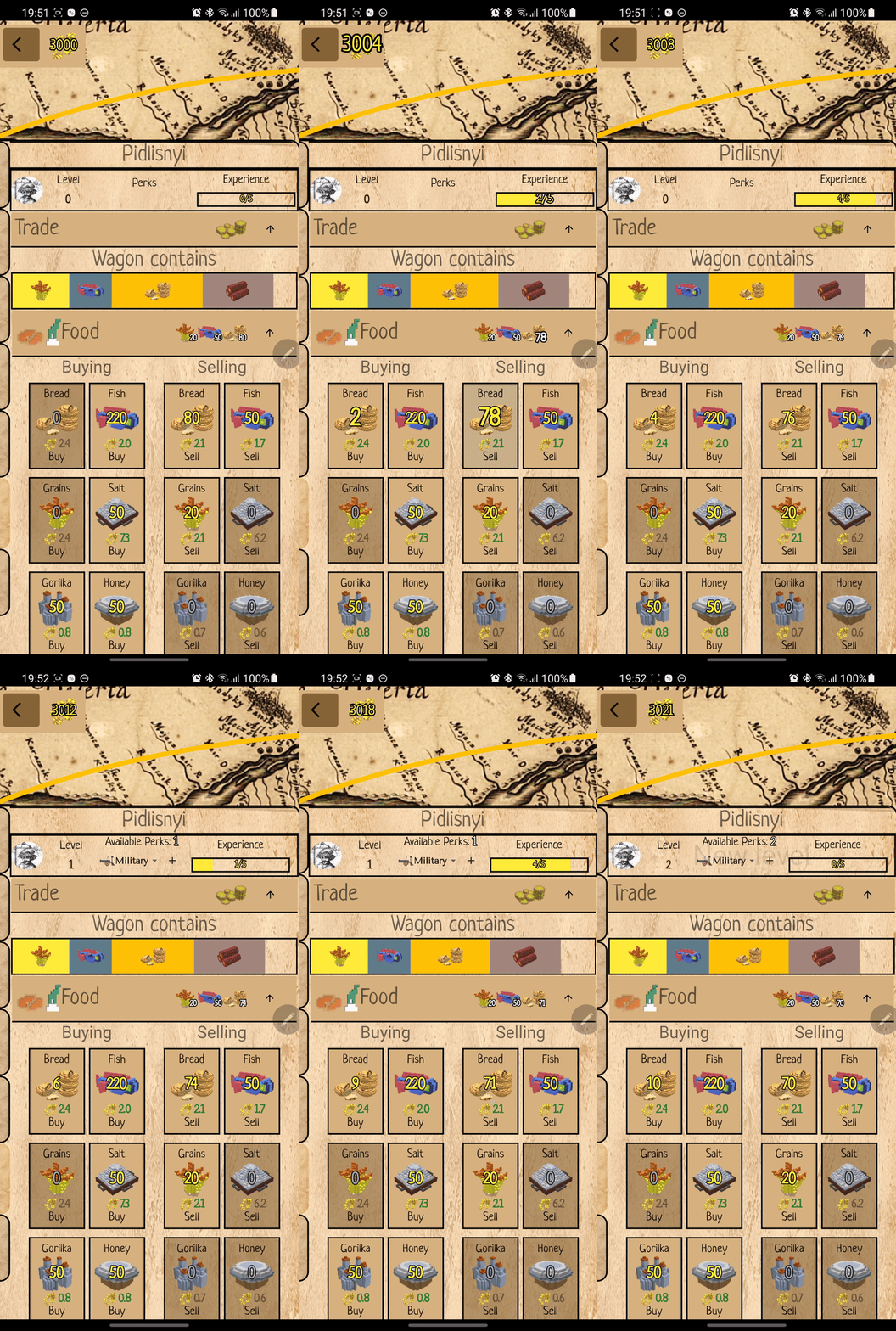
In my game Chumaki I wanted to animate the NPC level up by showing a growing widget with a text "New Level", like this:
Widget implementation
I implemented the following widget, it runs initial animation when the widget is created and scales the widget from 0 to 1 (full size).
class ScaleAnimated extends StatefulWidget {
  final Widget child;
  final Duration duration;

  const ScaleAnimated({Key? key, required this.child, required this.duration})
      : super(key: key);

  @override
  _ScaleAnimatedState createState() => _ScaleAnimatedState();
}

class _ScaleAnimatedState extends State<ScaleAnimated>
    with SingleTickerProviderStateMixin {
  late final AnimationController _controller;
  late final Animation<double> _animation;

  @override
  void initState() {
    super.initState();
    _controller = AnimationController(
        vsync: this,
        duration: widget.duration,
        upperBound: 1.0,
        lowerBound: 0.0);
    _controller.forward();
    _animation = CurvedAnimation(parent: _controller, curve: Curves.linear);
  }

  @override
  Widget build(BuildContext context) {
    return ScaleTransition(
      scale: _animation,
      child: widget.child,
    );
  }

  @override
  void dispose() {
    _controller.dispose();
    super.dispose();
  }
}
The widget is called in this way:
 ScaleAnimated(
          duration: const Duration(seconds: 2),
          child: Text("New Level: $level"),
        ),
Problem
But the animation was playing only once...I level up one time, second time, third...The widget updated the level value but the animation was not playing! I checked debugger - the build method was called each time I level upped but initState was never called again.
Why?
Please watch the video When to Use Keys - Flutter Widgets 101 Ep. 4.
TLDR: Flutter builds new tree on player level up event. The new widget is of the same type as previous, their keys are null, so Flutter thinks it is the same widget and just updates it with new state (text input parameter). The initState is not called cause old widget was reused.
Solution
We have to help Flutter to distinguish identical widgets like in our case. The good thing: we dont have to change the Widget source code. We need to provide a Key parameter for its constructor like this:
 ScaleAnimated(
          key: ValueKey(counter), // <--- here we provide key!
          duration: const Duration(seconds: 2),
          child: Text(
              "New Level: $counter"),
        ),
We have a nice way of knowing when we really have to animate "New Level" widget - when the new level is received. This unique value can be used as a ValueKey.
Real example on DartPad
Please open this link for a very short example of using ScaleAnimation with and without keys:
Comments
Join the discussionNo comments yet. Be the first to comment.
Building game with Flutter
This is the series related to my experience building game with Flutter and Dart. It is basically a diary. At first I implement feature and then add a post about it. https://locadederta.com/sloboda